
Trojan.RenpyLoader
ThreatDown is now the name of the Malwarebytes line of business products. References to Malwarebytes below reflect the amazing technology used to first identify the threat.
Short bio
Trojan.RenpyLoader is Malwarebytes’ detection name for a family of Trojans that are information stealers.
Type of infection
Trojan.RepyLoader steals your saved browser passwords, cookies, and crypto wallets, and logs session tokens to hijack social media accounts.
Hackers hide malicious scripts inside fake games or cracked software that use the legitimate Ren’Py game engine.
Protection
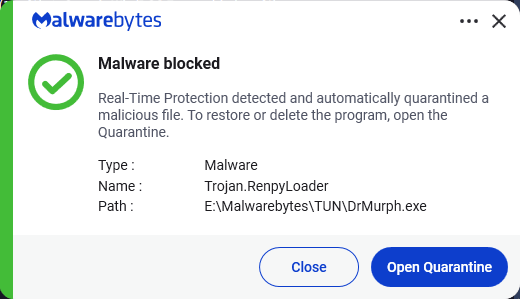
Malwarebytes detects and blocks Trojan.RenpyLoader
Business remediation
How to remove Trojan.RenpyLoader with the Malwarebytes Nebula console
You can use the Malwarebytes Anti-Malware Nebula console to scan endpoints.

Nebula endpoint tasks menu
Choose the Scan + Quarantine option. Afterwards you can check the Detections page to see which threats were found.
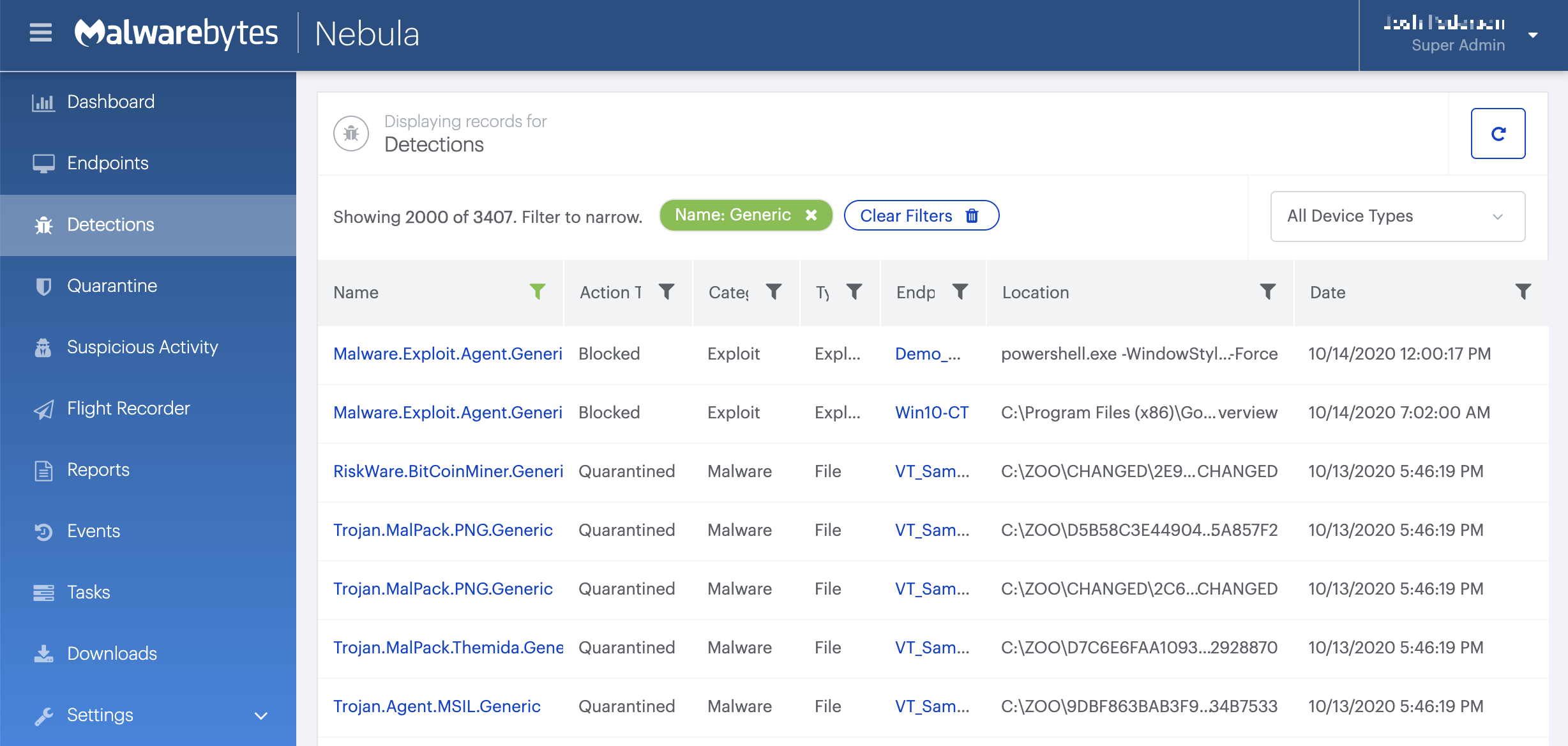
On the Quarantine page you can see which threats were quarantined and restore them if necessary.

Home remediation
Malwarebytes can detect and remove many Spyware.InfoStealer infections without further user interaction.
- Please download Malwarebytes to your desktop.
- Double-click MBSetup.exe and follow the prompts to install the program.
- When your Malwarebytes for Windows installation completes, the program opens to the Welcome to Malwarebytes screen.
- Click on the Get started button.
- Click Scan to start a Threat Scan.
- Click Quarantine to remove the found threats.
- Reboot the system if prompted to complete the removal process.