
dsjtel.com
ThreatDown is now the name of the Malwarebytes line of business products. References to Malwarebytes below reflect the amazing technology used to first identify the threat.
Short bio
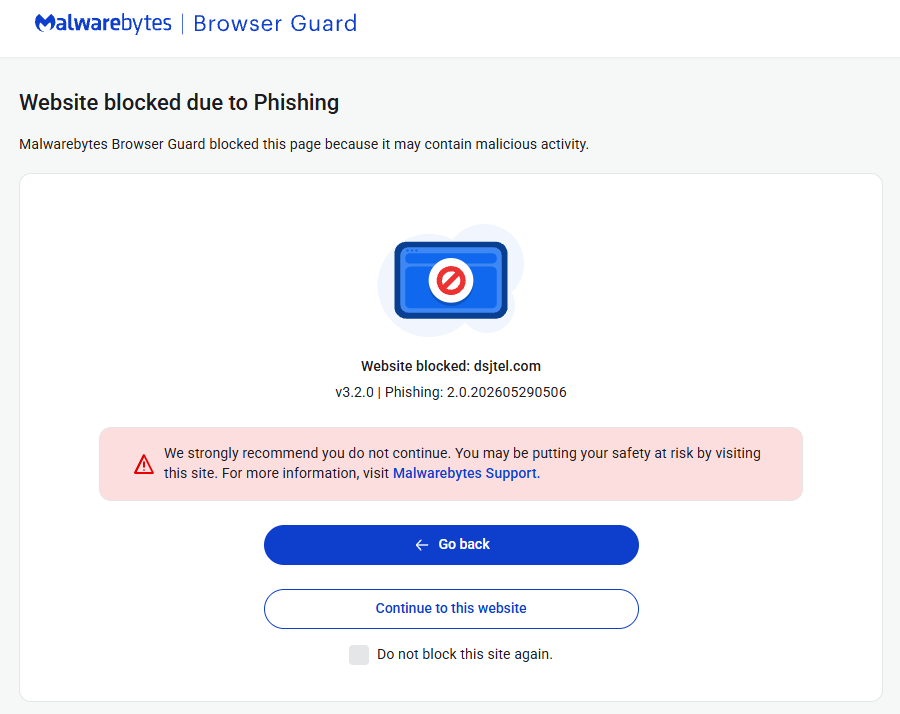
The domain dsjtel.com was blocked by Malwarebytes Browser Guard because it is associated with phishing.
Malicious behavior
Websites in this domain were found to be involved in a phishing campaign.
Protection
Malwarebytes Browser Guard blocked dsjtel.com to warn users about a phishing website.
Add an exclusion
Malwarebytes Browser Guard lets trusted websites bypass protection features by adding the URL to the Allow list. Only allow websites you know and trust.
- In Browser Guard open the Dashboard menu and select Allow List in the left-hand menu.
- On the Allow list screen, click the +Add website button.
- Enter the website’s URL or IP address in the Add a URL or IP address field.
- Click to select one or more of the three available protection settings you want to disable.
- Click Add to list. You should see a notification that the website is added to the Allowed websites list.
You can also remove unwanted exclusions from the Allow List by clicking on the 3 stacked dots behind the entry.