
RiskWare.Amifldrv.VulnDriver
ThreatDown is now the name of the Malwarebytes line of business products. References to Malwarebytes below reflect the amazing technology used to first identify the threat.
Short bio
RiskWare.Amifldrv.VulnDriver is Malwarebytes detection name for a set of legitimate drivers signed by American Megatrends that put your system at risk because they are vulnerable to attacks.
Type of infection
RiskWare.VulnDriver is Malwarebytes’ generic detection name for legitimate but vulnerable Windows drivers that may expose systems to elevated security risk.
Detections in this family may appear as RiskWare.<DriverName>.VulnDriver, where <DriverName> identifies the vulnerable driver, vendor, or software component associated with the detection.
These drivers are not necessarily malicious by themselves, however, because they operate at kernel level, threat actors may abuse them to gain privileged access, interfere with security tools, or support further compromise.
Protection
Malwarebytes and ThreatDown products protect users by flagging the presence of RiskWare.Amifldrv.VulnDriver and make them aware of the risks.
Business remediation
How to remove RiskWare.Amifldrv.VulnDriver with the Malwarebytes Nebula console
You can use the Malwarebytes Anti-Malware Nebula console to scan endpoints.

Nebula endpoint tasks menu
Choose the Scan + Quarantine option. Afterwards you can check the Detections page to see which threats were found.
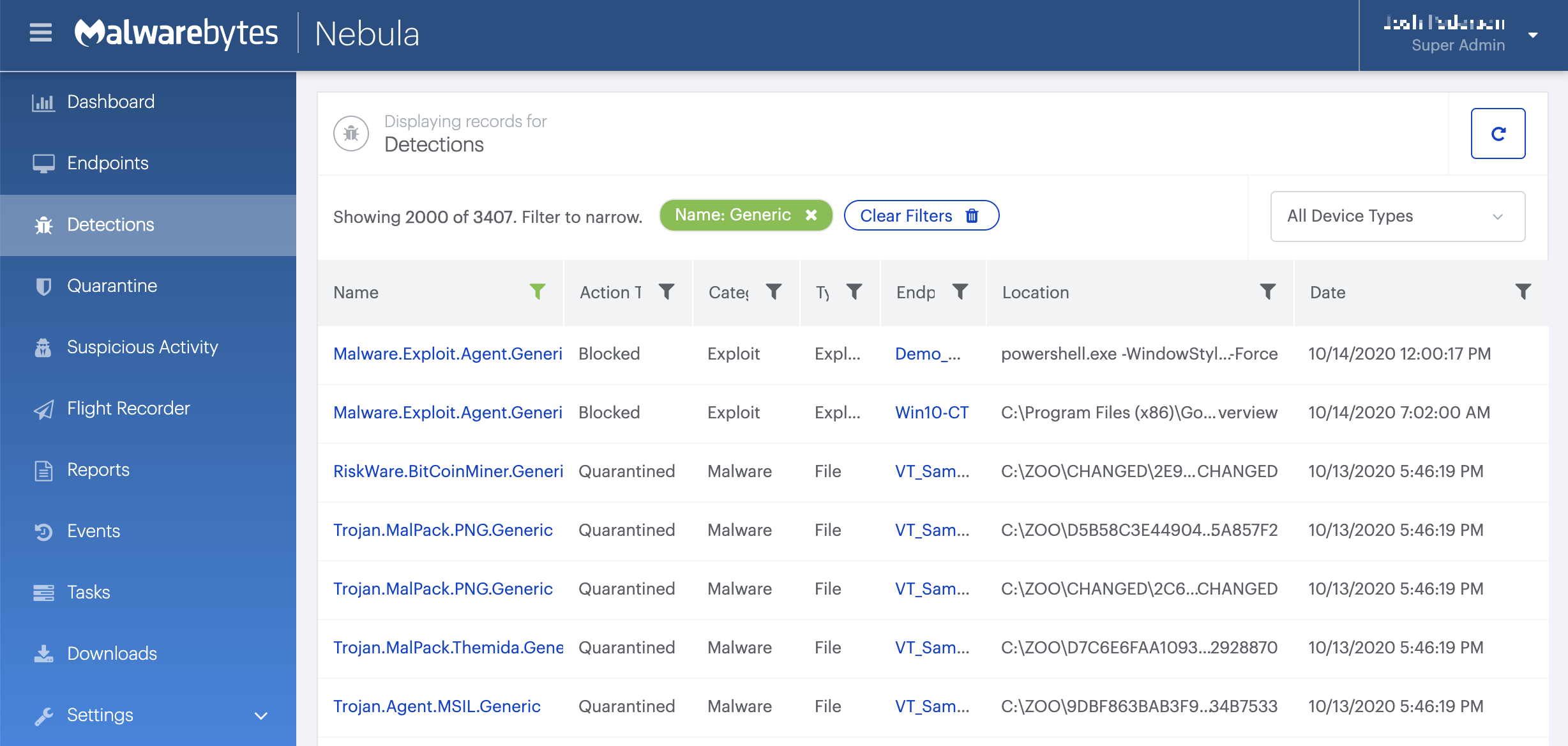
On the Quarantine page you can see which threats were quarantined and restore them if necessary.

Home remediation
Malwarebytes can detect and remove RiskWare.Amifldrv.VulnDriver without further user interaction.
- Please download Malwarebytes to your desktop.
- Double-click MBSetup.exe and follow the prompts to install the program.
- When your Malwarebytes for Windows installation completes, the program opens to the Welcome to Malwarebytes screen.
- Click on the Get startedbutton.
- Click Scan to start a Threat Scan.
- Click Quarantine to remove the found threats.
- Reboot the system if prompted to complete the removal process.