
Trojan.Injector.Generic
ThreatDown is now the name of the Malwarebytes line of business products. References to Malwarebytes below reflect the amazing technology used to first identify the threat.
Short bio
Trojan.Injector.Generic is Malwarebytes’ generic detection name for Trojans that inject their malicous code into trusted running processes.
Type of infection
Since this is a generic detection, this threat is not confined to any particular infection method. It is advised to check other detected items for more detail on how the threat got on your system. Otherwise, following basic security practices will reduce your exposure to this threat.
Protection
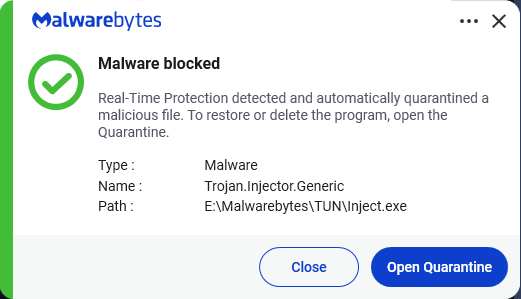
Malwarebytes and ThreatDown products detect and block Trojan.Injector.Generic.
Business remediation
How to remove Trojan.Injector.Generic with the Nebula console:
You can use the Nebula console to scan endpoints.
Choose the Scan + Quarantine option. Afterwards you can check the Detections page to see which threats were found.
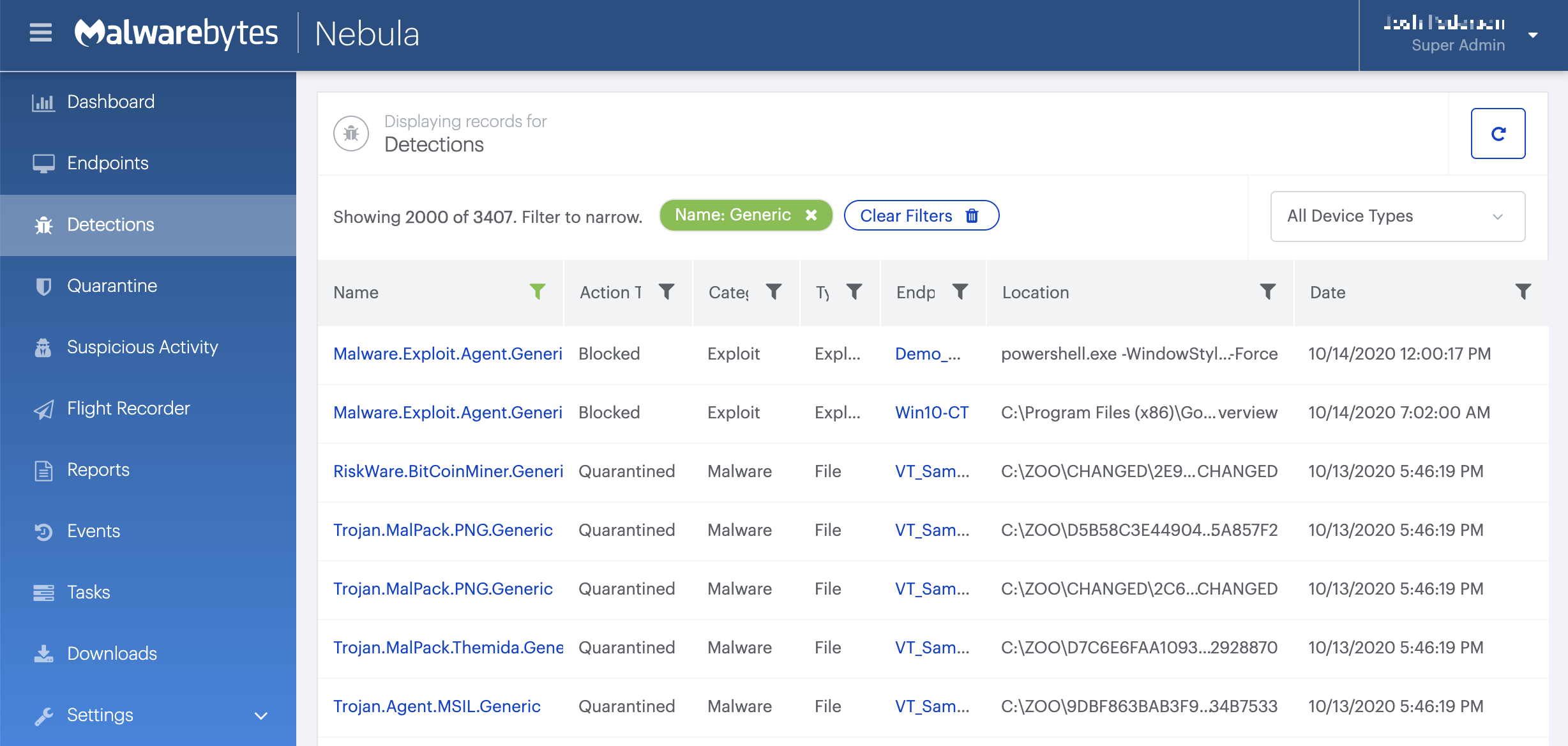
On the Quarantine page you can see which threats were quarantined and restore them if necessary.

Home remediation
Malwarebytes can detect and remove Trojan.MCrypt.MSIL.Generic without further user interaction.
- Please download Malwarebytes to your desktop.
- Double-click MBSetup.exe and follow the prompts to install the program.
- When your Malwarebytes for Windows installation completes, the program opens to the Welcome to Malwarebytes screen.
- Click on the Get started button.
- Click Scan to start a Threat Scan.
- Click Quarantine to remove the found threats.
- Reboot the system if prompted to complete the removal process.