
Trojan.MediaArena
ThreatDown is now the name of the Malwarebytes line of business products. References to Malwarebytes below reflect the amazing technology used to first identify the threat.
Short bio
Trojan.MediaArena is Malwarebytes detection name for a browser hijacker and information stealer targeting Windows users.
Type of infection
Trojan.MediaArena alters browser settings and steals search queries. It is usually installed by users under false pretences as it is often marketed as tools like file converters and similar applications.
Protection
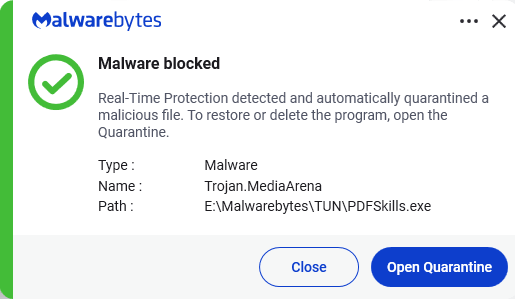
Malwarebytes detects and blocks Trojan.MediaArena
Business remediation
How to remove Trojan.MediaArena with the Malwarebytes Nebula console
You can use the Malwarebytes Anti-Malware Nebula console to scan endpoints.

Nebula endpoint tasks menu
Choose the Scan + Quarantine option. Afterwards you can check the Detections page to see which threats were found.
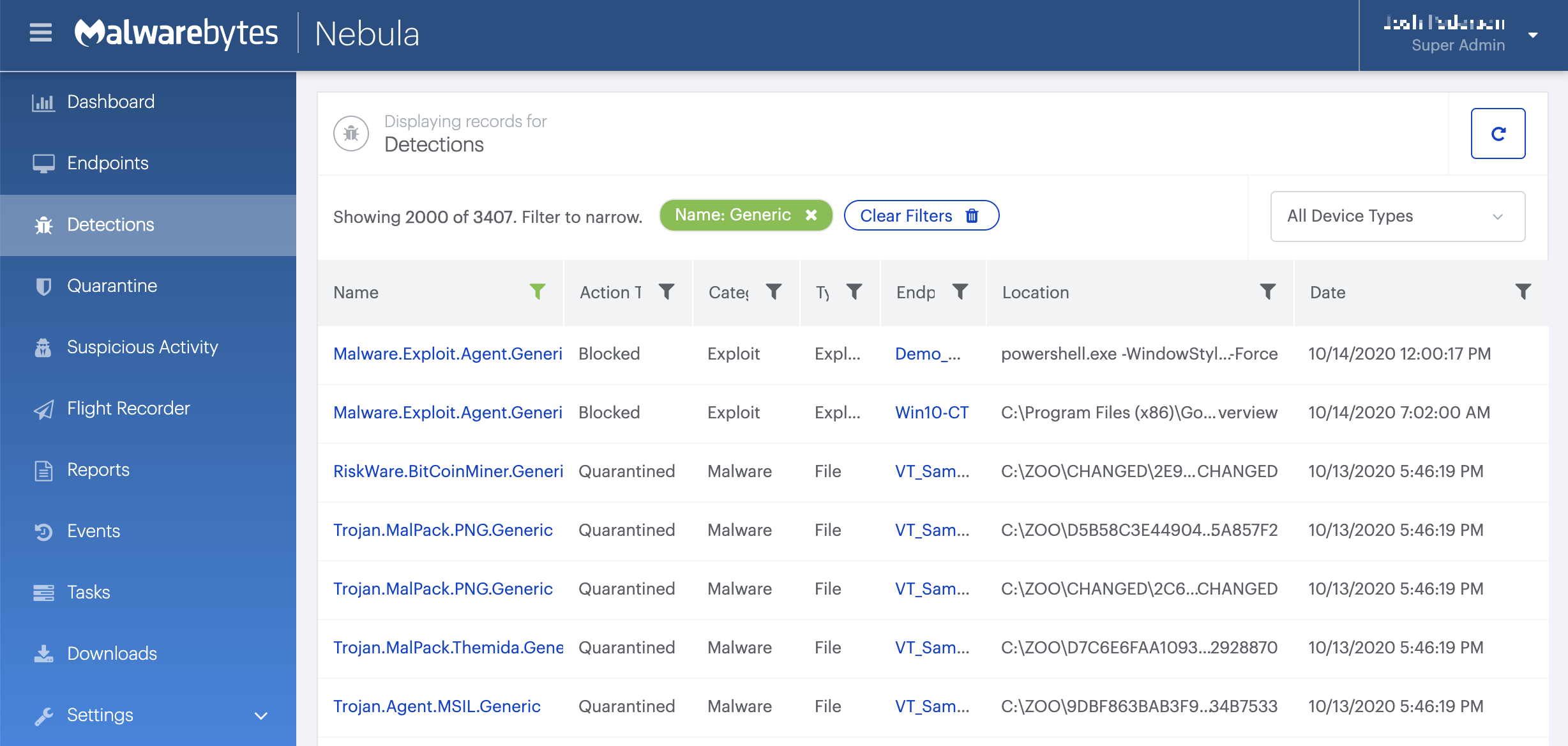
On the Quarantine page you can see which threats were quarantined and restore them if necessary.

Home remediation
Malwarebytes can detect and remove many Trojan.MediaArena infections without further user interaction.
- Please download Malwarebytes to your desktop.
- Double-click MBSetup.exe and follow the prompts to install the program.
- When your Malwarebytes for Windows installation completes, the program opens to the Welcome to Malwarebytes screen.
- Click on the Get started button.
- Click Scan to start a Threat Scan.
- Click Quarantine to remove the found threats.
- Reboot the system if prompted to complete the removal process.