
Trojan.NotePadPlus
ThreatDown is now the name of the Malwarebytes line of business products. References to Malwarebytes below reflect the amazing technology used to first identify the threat.
Short bio
Trojan.NotePadPlus is Malwarebytes’ detection name for a group of Trojans used in a supply-chain attack on the update infrastructure of Notepad++, a popular tool among developers.
Type of infection
During the second half of 2025 attackers hijacked the project’s update infrastructure and used it to deliver trojanized updates to selected users. The selected targets worked in speciffic organizations such as telecommunications and financial services companies, particularly in parts of East Asia.
Malicious behavior
By weaponizing a trusted editor used widely by developers and administrators, the attackers gained initial access and persistence in victim environments while remaining undetected for months.
Protection
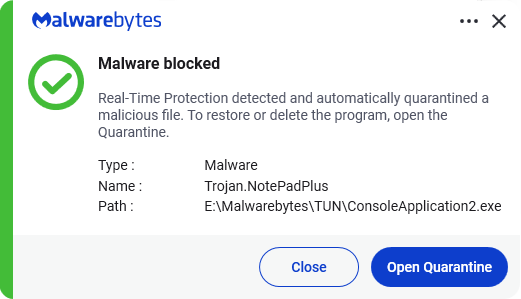
Malwarebytes and ThreatDown products protect against Trojan.NotePadPlus by using real-time protection.
Business remediation
How to remove Trojan.NotePadPlus with the ThreatDown Nebula console:
You can use the Nebula console to scan endpoints.

Nebula endpoint tasks menu
Choose the Scan + Quarantine option. Afterwards you can check the Detections page to see which threats were found.
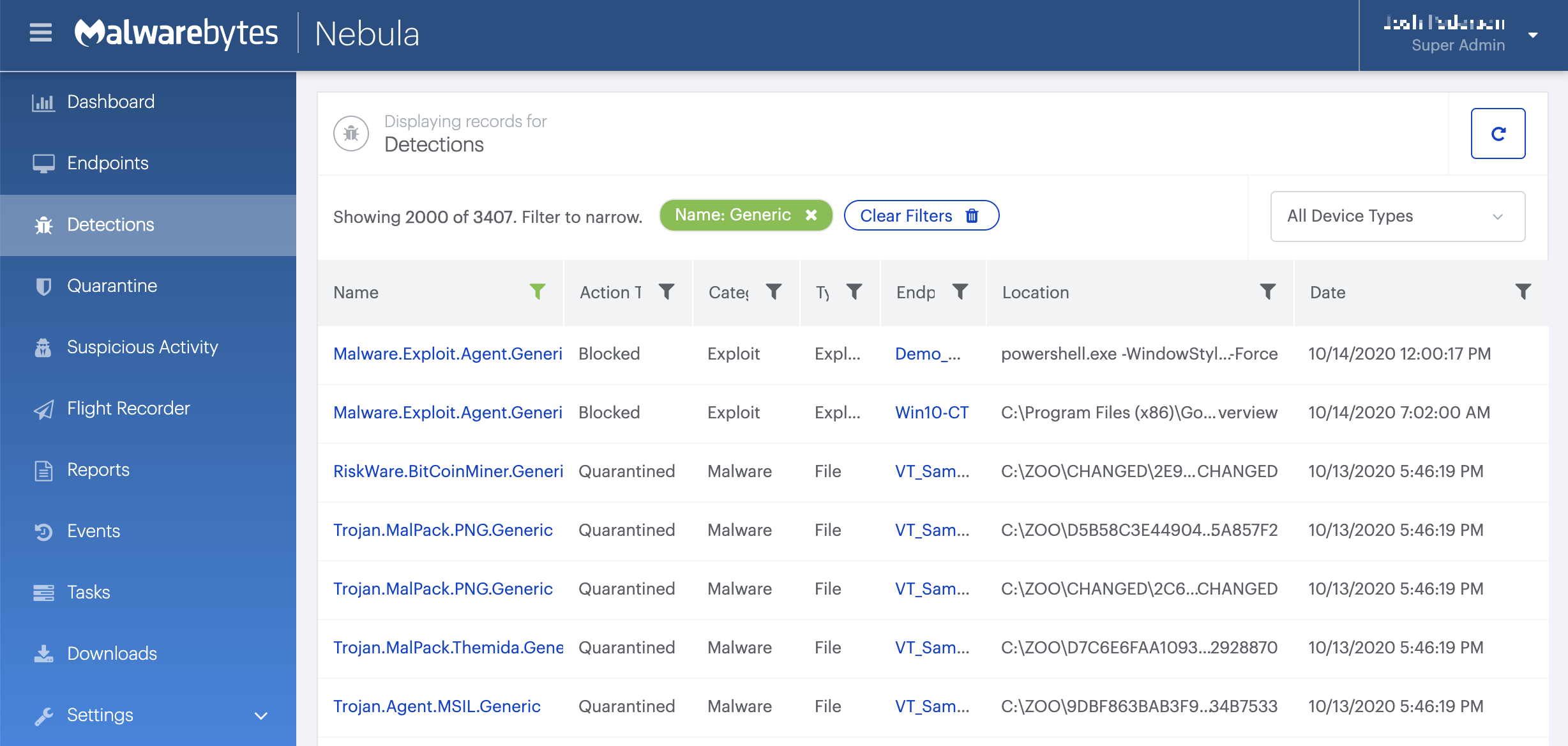
On the Quarantine page you can see which threats were quarantined and restore them if necessary.
Home remediation
Malwarebytes can detect and remove Trojan.NotePadPlus without further user interaction.
- Please download Malwarebytes to your desktop.
- Double-click MBSetup.exeand follow the prompts to install the program.
- When your Malwarebytes for Windows installation completes, the program opens to the Welcome to Malwarebytes screen.
- Click on the Get started button.
- Click Scan to start a Threat Scan.
- Click Quarantineto remove the found threats.
- Reboot the system if prompted to complete the removal process.