
Trojan.Stealer.Python
ThreatDown is now the name of the Malwarebytes line of business products. References to Malwarebytes below reflect the amazing technology used to first identify the threat.
Short bio
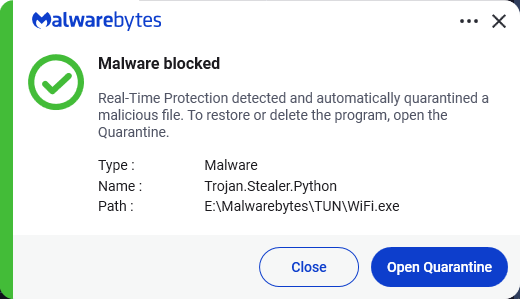
Trojan.Stealer.Python is Malwarebytes’ detection name for information stealers written in Python. These applications typically run in the background and silently collect information about the system, connected users, and network activity.
Type of infection
Trojan.Stealer.Python wrere written in Python and then the script was converted to an executable. These can be distributed using various methods. The software may be bundled with free online software, or could be disguised as a harmless program. Alternatively, this software may be installed by websites using software vulnerabilities. Infections that occur in this manner are usually silent and happen without user knowledge or consent.
Aftermath
Depending on the stolen information it can be used to drain financial accounts or to perform identity theft.
Protection
Malwarebytes and ThreatDown products block and detect Trojan.Stealer.Python.
Business remediation
How to remove Trojan.Stealer.Python with the Malwarebytes Nebula console:
You can use the Nebula console to scan endpoints.
Choose the Scan + Quarantine option. Afterwards you can check the Detections page to see which threats were found.
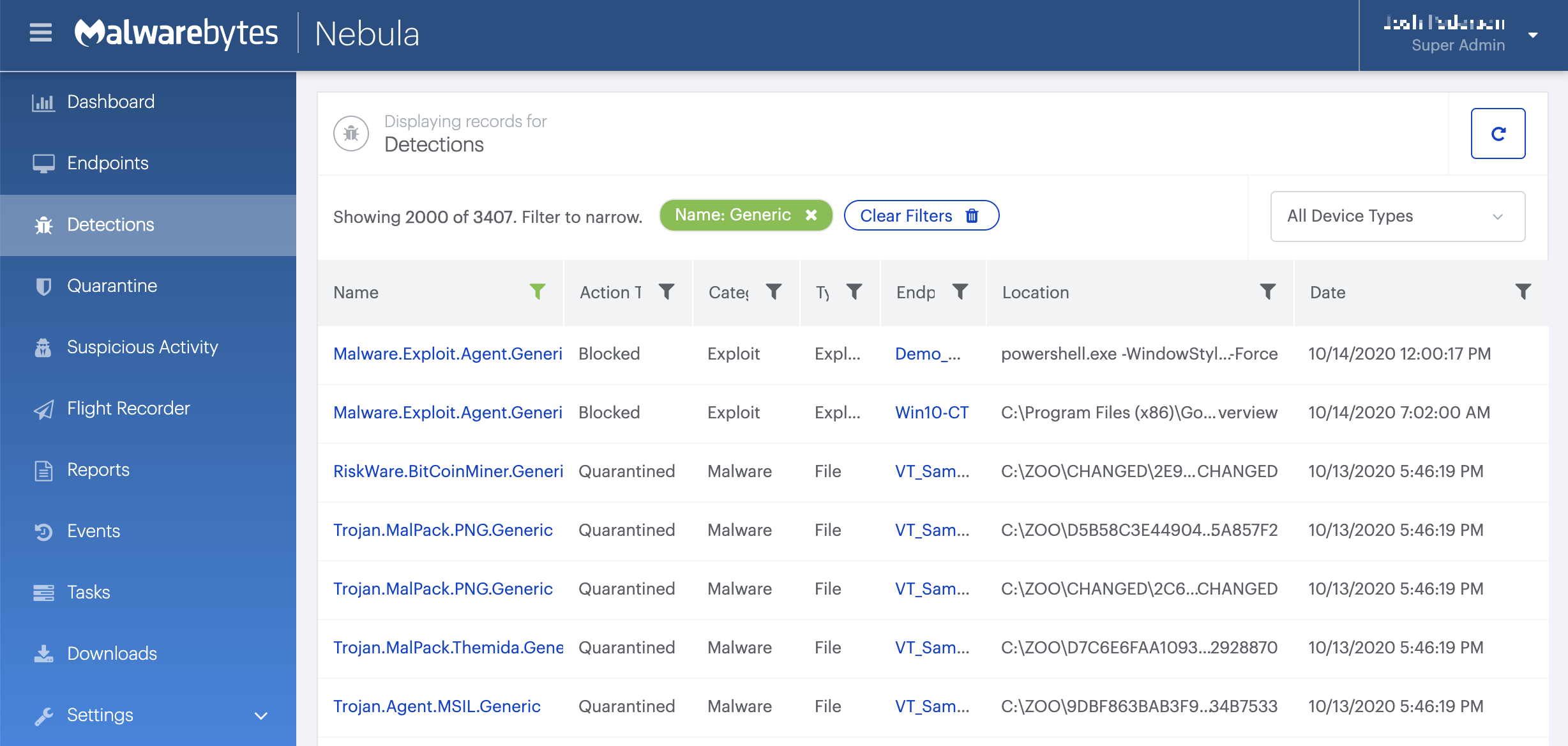
On the Quarantine page you can see which threats were quarantined and restore them if necessary.

Home remediation
Malwarebytes can detect and remove many Trojan.PasswordStealer infections without further user interaction.
- Please download Malwarebytes to your desktop.
- Double-click MBSetup.exe and follow the prompts to install the program.
- When your Malwarebytes for Windows installation completes, the program opens to the Welcome to Malwarebytes screen.
- Click on the Get started button.
- Click Scan to start a Threat Scan.
- Click Quarantine to remove the found threats.
- Reboot the system if prompted to complete the removal process.